I want Spanish for…
TravelWorkEveryday life
Tell Stella your goals
Share your level, interests, and the situations where you want to feel more confident.
Skip the endless drills. Have real conversations, get instant pronunciation feedback, and follow lessons that adapt to your level.
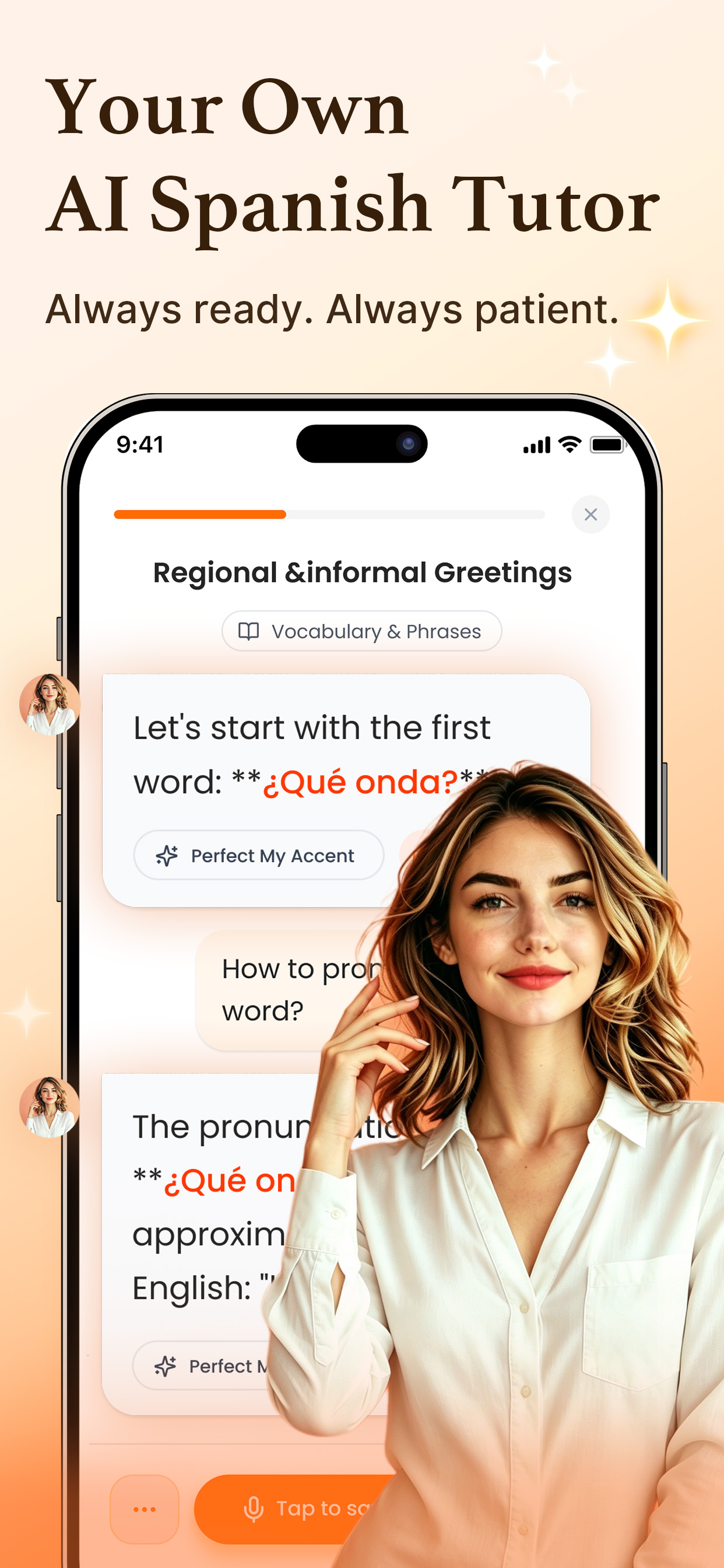
Stella brings AI-powered speaking practice, instant feedback, and personalized guidance into every lesson—so you always know what to practice next.
No placement anxiety. No complicated setup. Tell Stella what you need and start speaking at the right level.
Share your level, interests, and the situations where you want to feel more confident.
Speak through real situations while Stella teaches, prompts, and corrects you naturally.
7-day streakKeep showing up every day
Reward unlockedYour consistency pays off
Keep your streak going, unlock rewards, and make Spanish practice part of your everyday routine.
Practice the conversations you’ll actually have—from your first small talk to trips, restaurants, and parties.
Learn natural greetings, introduce yourself, and keep a first conversation going with confidence.
¡Hola! ¿Es tu primera vez aquí?
Practice asking for directions, checking in, buying tickets, and handling everyday travel moments.
¿Dónde está la estación?
Read the menu, ask for recommendations, and order exactly what you want in Spanish.
¿Qué me recomienda?
Meet new people, make small talk, and feel more relaxed in social situations.
¿Cómo conoces a Ana?
Record your answer and get a clear view of the words and sounds that need another try.
Quisiera reservar
una habitación
reservar
Choose the level that fits you and move through practical units, short lessons, and speaking tasks step by step.
Learn to introduce yourself, order food, ask simple questions, and handle everyday needs.
Learn with AI guidance, strengthen your memory, test what you know, and put it all into conversation.
Master each topic step by step with personalized explanations and AI guidance.
Review key words and phrases, build recall, and perfect your accent with AI scoring.
Turn new knowledge into lasting skills through targeted practice and quick quizzes.
Sharpen your listening and speaking through role-play, guided questions, and real responses.
Learn Spanish through music, follow the lyrics, and discover new words and expressions as you listen.
“Learning finally feels natural.”
“I tried 4 apps before Stella. This is the first time I've actually kept going.”
“I signed up after Lesson 1. Way better than I expected.”
“Short daily lessons that actually stick. I finally keep a streak.”
“The speaking practice gave me real confidence within a week.”
Enfin, apprendre paraît naturel.
Ich hatte vor Stella schon vier andere Apps ausprobiert. Zum ersten Mal bin ich wirklich drangeblieben.
「レッスン1を終えて、すぐに登録しました。期待していた以上に良かったです。」
Yes. Stella starts with guided, manageable conversations and essential Spanish, then grows with your confidence.
The current course path covers CEFR levels A1–C1, giving learners a structured path from beginner to advanced Spanish.
Yes. You can complete speaking activities, practice AI conversations, and receive feedback on your pronunciation.
Choose a situation, respond by voice, and continue a guided conversation. Stella can prompt you when you need help.
The current course path covers levels A1–C1. The previous version remains available through the version switch.
AI responses may take a moment, as the AI needs time to understand what you've said and generate a personalized reply.
If it takes unusually long or the voice keeps cutting out:
The pronunciation check considers accent, speed, and clarity. Speaking too quickly or having background noise can cause a false “wrong.”
Please provide clear details about the affected feature or page. This will help us understand and respond to your feedback.
Learning reminders help you maintain your study streak. Tap Not now if you do not want to enable notifications.
If progress is still missing, contact us with your sign-in method, level, unit, completed lessons, and a screenshot of the course page.
Stella handles account information, learning progress, and support information in accordance with its Privacy Policy. App Store payments are processed by Apple, and Stella does not need your Apple ID password or full payment details.
For full details about data collection, use, storage, and your rights, please read the Privacy Policy in Stella.
Your subscription is linked to the Apple ID used for the purchase.
Lifetime access is a one-time purchase and does not renew annually.
You can continue using Stella Pro until the end of the current billing period. Deleting the app does not cancel a subscription.
For more help managing or cancelling an Apple subscription, visit Apple Support.
Payments made through the App Store are handled by Apple, so refund requests and eligibility are subject to Apple's policies and approval.
They are two different products. Eligible annual members may receive an exclusive offer to upgrade to lifetime access with a one-time purchase—no renewals, with full access for life.
If you have lifetime access, you may turn off annual renewal under iPhone Settings → Your Name → Subscriptions → Stella without affecting lifetime access.
Normal weekly, monthly, and yearly subscriptions are charged once per billing period. If you see two charges, it may be caused by a payment processing delay, a duplicate checkout attempt, or active subscriptions on more than one device or store account.
If a payment fails, check or update your payment method. The system may retry the charge automatically. Repeated failures can pause the subscription, but your learning progress remains saved and failed attempts never incur extra fees.
Download Stella and begin your first conversation today.